2.33:1
Hero
Primary page headers and homepage hero moments.
heroImage System · v0.8.3.8.4
Thirty approved image treatments using Monarch default image roles, CSS-first masks, PHP helpers, accessibility expectations, and page-composition standards.
2.33:1
Primary page headers and homepage hero moments.
hero3.2:1
Wide promotional bands, CTAs, story bridges, and section separators.
banner16:9
Articles, split content, galleries, feature panels, and editorial sections.
landscape16:9
Decorative panels, subtle backgrounds, low-emphasis atmosphere, and soft visual support.
background4:3
Feature cards, product cards, resource cards, article previews, and content summaries.
card1:1
Gallery tiles, portfolio tiles, category tiles, route cards, and icon-like media.
square2:3
Profiles, About story sections, team/leadership sections, contact sidebars, testimonials, and editorial rhythm.
portrait1:1
Team members, testimonials, profiles, account placeholders, and small identity moments.
avatar3:1
Logo placeholder for light surfaces and brand/identity demonstrations.
logo-light3:1
Logo placeholder for dark or high-contrast surfaces and brand/identity demonstrations.
logo-dark4:3
Reliable fallback when an expected image role or file is missing.
image-not-foundFirst-Round Image Masks
These masks are presentation classes applied by the image helper. They do not create alternate image files and they do not change the source image context.
Token-based rounded rectangle.

.img-mask-rounded
Circular mask for avatars and profile images.
.img-mask-circle
Fully rounded pill treatment for wide media.
.img-mask-pill
Rotated square crop for accent tiles.
.img-mask-diamond
Six-sided presentation for portfolio or feature tiles.
.img-mask-hex
Soft bottom fade for hero and background treatments.
.img-mask-fade-bottom
Soft top fade for hero, editorial, and transition treatments.
.img-mask-fade-top
Soft left-side fade for split-content and media panels.
.img-mask-fade-left
Soft right-side fade for split-content and media panels.
.img-mask-fade-right
Each presentation card lists its role, mode, mask, ratio, and helper usage so the image treatment is visible and repeatable.
Primary page hero image with a wide crop and full-bleed feeling.
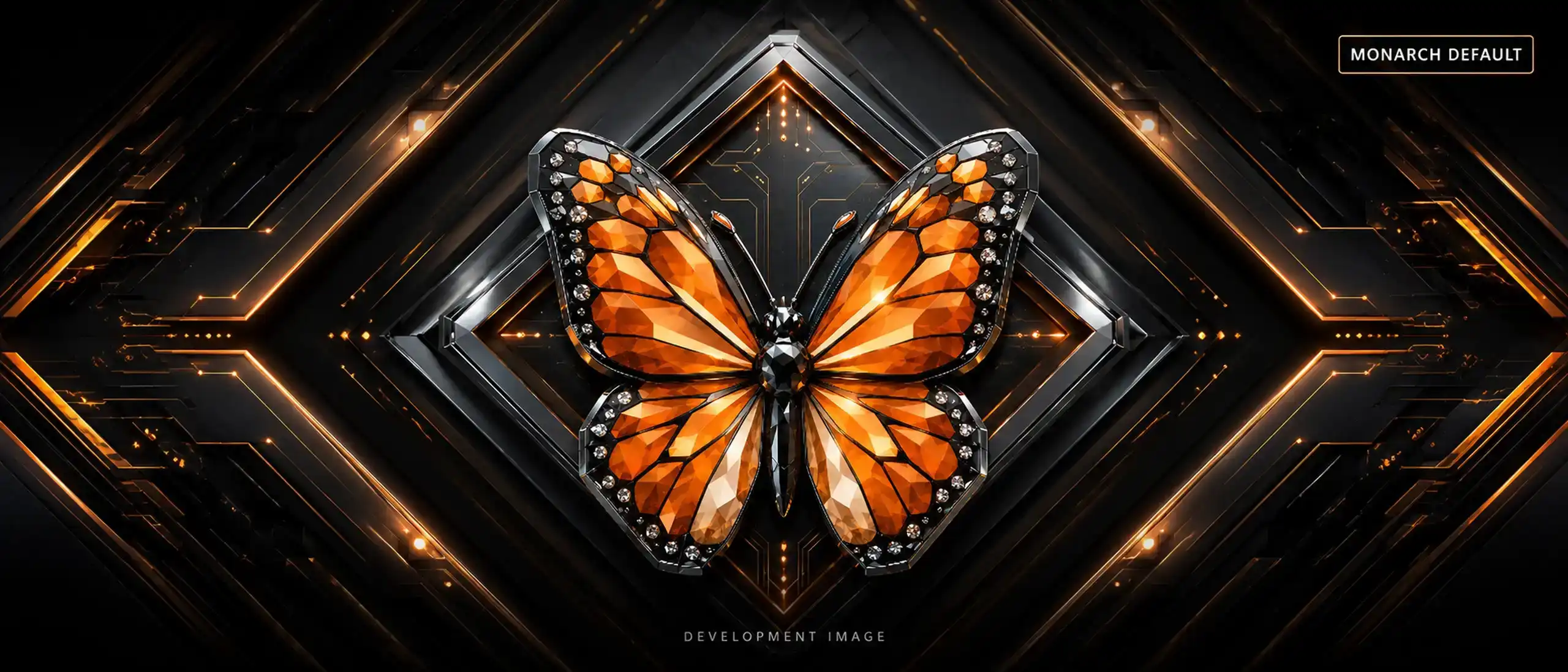
<?= monarch_image_frame('hero', 'monarch', 'Hero Image', 'image-role--hero', ['mode' => 'color', 'mask' => 'fade-bottom']) ?>Very wide banner for CTAs, announcements, and section breaks.

<?= monarch_image_frame('banner', 'monarch', 'Banner Image', 'image-role--banner', ['mode' => 'color', 'mask' => 'rounded']) ?>Standard editorial landscape image for articles and split sections.

<?= monarch_image_frame('landscape', 'monarch', 'Landscape Image', 'image-role--landscape', ['mode' => 'color', 'mask' => 'rounded']) ?>Card-ready image crop for summaries, services, products, and features.

<?= monarch_image_frame('card', 'monarch', 'Card Image', 'image-role--card', ['mode' => 'color', 'mask' => 'rounded']) ?>Balanced square tile for galleries and portfolio grids.
<?= monarch_image_frame('square', 'monarch', 'Square Image', 'image-role--square', ['mode' => 'color', 'mask' => 'none']) ?>Vertical image treatment for profiles and editorial cards.

<?= monarch_image_frame('portrait', 'monarch', 'Portrait Image', 'image-role--portrait', ['mode' => 'color', 'mask' => 'rounded']) ?>Circular avatar for people, testimonials, and account placeholders.

<?= monarch_image_frame('avatar', 'monarch', 'Avatar Image', 'image-role--avatar', ['mode' => 'color', 'mask' => 'circle']) ?>Decorative background image used inside a controlled frame.

<?= monarch_image_frame('background', 'monarch', 'Background Image', 'image-role--background', ['mode' => 'color', 'mask' => 'fade-bottom']) ?>Logo placeholder designed for light surfaces.

<?= monarch_image_frame('logo-light', 'monarch', 'Logo Light', 'image-role--logo-light image-fit--contain', ['mode' => 'color', 'mask' => 'none']) ?>Logo placeholder designed for dark or high-contrast contexts.

<?= monarch_image_frame('logo-dark', 'monarch', 'Logo Dark', 'image-role--logo-dark image-fit--contain', ['mode' => 'color', 'mask' => 'none']) ?>Fallback demonstration for a missing or unknown image role.

<?= monarch_image_frame('unknown-role', 'monarch', 'Image Not Found', 'image-role--image-not-found', ['mode' => 'color', 'mask' => 'none']) ?>Semantic figure/caption pairing for editorial content.
<?= monarch_image_frame('landscape', 'monarch', 'Figure with Caption', 'image-role--landscape', ['mode' => 'color', 'mask' => 'rounded']) ?>Image presentation inside a content card layout.
<?= monarch_image_frame('card', 'monarch', 'Image Card', 'image-role--card', ['mode' => 'color', 'mask' => 'rounded']) ?>Image paired with a Monarch label for category context.
<?= monarch_image_frame('square', 'monarch', 'Image with Label', 'image-role--square', ['mode' => 'color', 'mask' => 'diamond']) ?>Image paired with badge metadata and summary text.
<?= monarch_image_frame('card', 'monarch', 'Image with Badge', 'image-role--card', ['mode' => 'color', 'mask' => 'hex']) ?>Image with readable overlay text for campaign or landing pages.
<?= monarch_image_frame('hero', 'monarch', 'Overlay Text', 'image-role--hero', ['mode' => 'color', 'mask' => 'fade-top']) ?>Wide image with gradient overlay for strong foreground contrast.
<?= monarch_image_frame('banner', 'monarch', 'Gradient Overlay', 'image-role--banner', ['mode' => 'color', 'mask' => 'fade-left']) ?>Image, text, and action button composed as one section.
<?= monarch_image_frame('landscape', 'monarch', 'Image with CTA Button', 'image-role--landscape', ['mode' => 'color', 'mask' => 'rounded']) ?>Image intended for side-by-side content sections.
<?= monarch_image_frame('landscape', 'monarch', 'Split Content Image', 'image-role--landscape', ['mode' => 'color', 'mask' => 'rounded']) ?>Reusable square grid tile for galleries.
<?= monarch_image_frame('square', 'monarch', 'Gallery Grid Image', 'image-role--square', ['mode' => 'color', 'mask' => 'none']) ?>Portfolio tile with branded border treatment.
<?= monarch_image_frame('square', 'monarch', 'Portfolio Tile', 'image-role--square image-border--accent', ['mode' => 'grayscale', 'mask' => 'diamond']) ?>Editorial featured image for article headers.

<?= monarch_image_frame('hero', 'monarch', 'Article Featured Image', 'image-role--hero', ['mode' => 'grayscale', 'mask' => 'fade-right']) ?>Product-card image with contain fit to avoid important crop loss.
<?= monarch_image_frame('card', 'monarch', 'Product Listing Image', 'image-role--card image-fit--contain', ['mode' => 'color', 'mask' => 'rounded']) ?>Larger product-detail visual with stronger elevation.
<?= monarch_image_frame('landscape', 'monarch', 'Product Detail Image', 'image-role--landscape image-shadow--strong', ['mode' => 'color', 'mask' => 'rounded']) ?>Team profile image with a soft radius treatment.

<?= monarch_image_frame('portrait', 'monarch', 'Team Profile Image', 'image-role--portrait image-shape--soft', ['mode' => 'grayscale', 'mask' => 'rounded']) ?>Small trust-building profile image for quote/testimonial layouts.
<?= monarch_image_frame('avatar', 'monarch', 'Testimonial Avatar', 'image-role--avatar', ['mode' => 'grayscale', 'mask' => 'circle']) ?>Neutral empty-state image for no results or future content.

<?= monarch_image_frame('image-not-found', 'monarch', 'Empty State Illustration', 'image-role--image-not-found image-muted', ['mode' => 'grayscale', 'mask' => 'none']) ?>Monarch documentation placeholder for screenshots and examples.

<?= monarch_image_frame('landscape', 'monarch', 'Documentation Screenshot Placeholder', 'image-role--landscape', ['mode' => 'grayscale', 'mask' => 'rounded']) ?>Image frame used to review responsive container behavior.
<?= monarch_image_frame('banner', 'monarch', 'Responsive Container Preview', 'image-role--banner image-border--primary', ['mode' => 'color', 'mask' => 'pill']) ?>Forced missing-role example proving fallback behavior.
<?= monarch_image_frame('missing-file', 'monarch', 'Fallback Image Demonstration', 'image-role--image-not-found', ['mode' => 'grayscale', 'mask' => 'none']) ?>They are reliable placeholders that keep page composition, components, patterns, and templates working while a real client image set is prepared.